One venue calendar. Every show on sale.
Add Urba’s calendar to list your upcoming shows. On each show page, fans can buy tickets or pick a VIP booth from your floor plan and pay the deposit right there.
List your next show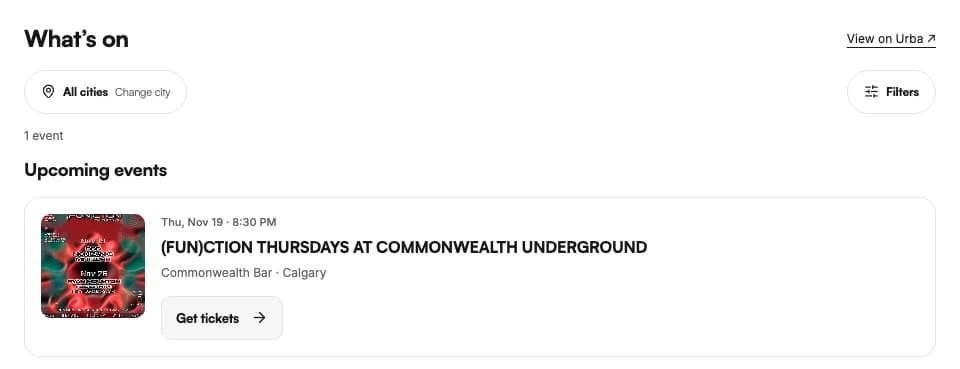
From your calendar to your front door
Choose the date
A guest browsing your website sees the Urba events you publish. You keep control of the rest of your site.
Pay on your website
Paste the ticket widget from the event dashboard onto your show page. Fans see the full price, pay by card and get confirmation in the widget. Urba emails their tickets.
Enter the room
Send the volunteer scanner link before doors. Staff can check QR tickets on their own phones without installing an app or creating an account.
For assigned seats or a waiting room, the widget takes guests to Urba checkout in the same tab.

Reach beyond your regulars
Public shows can appear in Urba’s local feed alongside places and city guides. If you control the dates and sell 1,000+ paid tickets annually, ask about placements on Urba’s city social accounts.
See the cities and campaignsAt the end of the night
Reconnect every door phone so offline admissions sync. Review guest check-ins, export your attendee list and open the payout breakdown for that show.